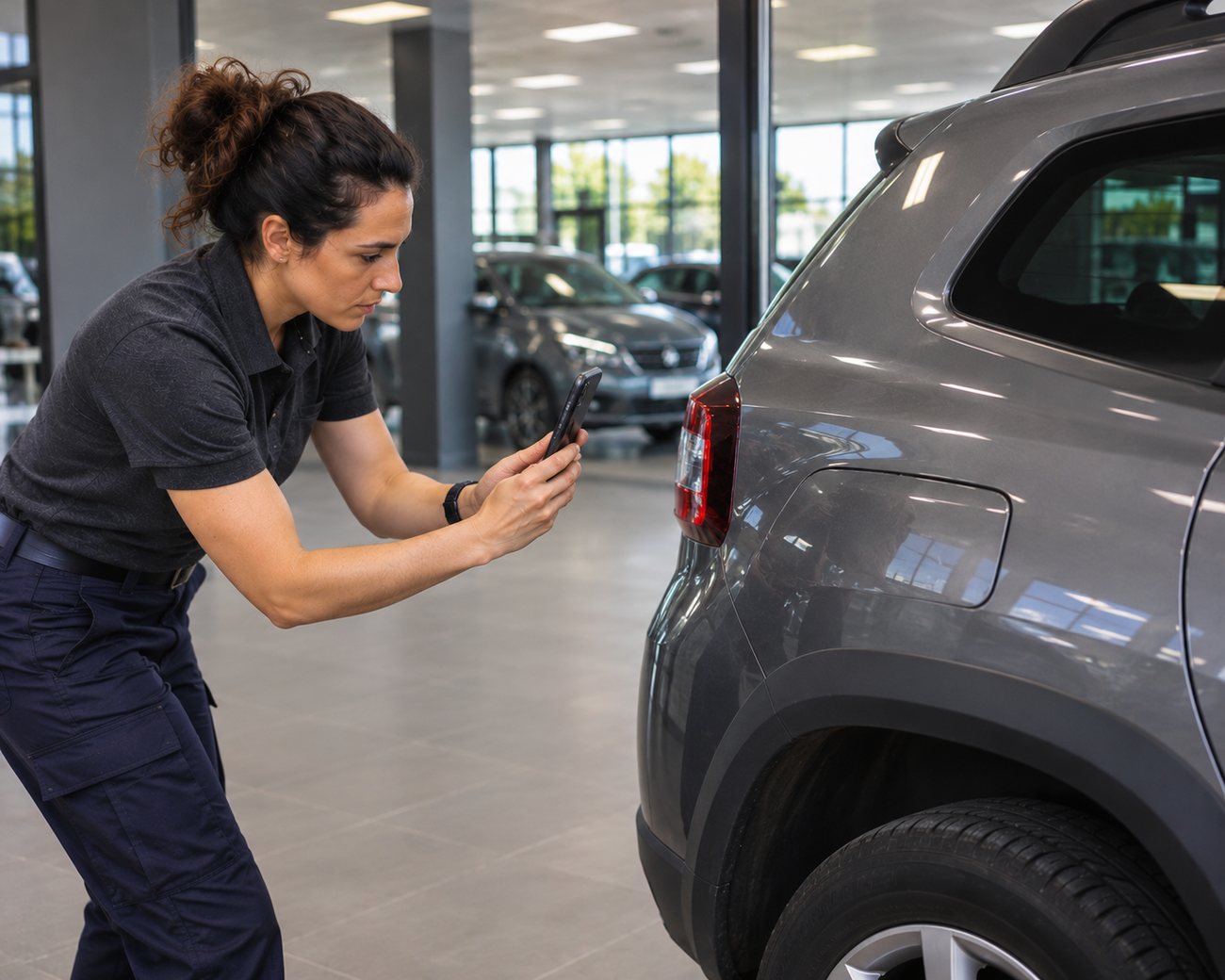
An employee photographs the side of an SUV outside the dealership while her manager reviews the documents.
P01 · PHOTO TO PRODUCEDealership delivery: Inès and Marc check the SUV

Automotive operations platform

Track your automotive operations, from the field to the file.

Klaren guides your teams through their on-site work, helps you follow each job and gathers the recorded findings, photos and documents in one file per operation.

For New & used vehicle deliveryService receptionRentalVehicle transfersCourtesy vehiclesTrade-in

Your business

Different trades. One requirement: finding the facts.

Delivery, service, rental, transfers, courtesy vehicles or trade-ins: each activity has its own steps. Klaren is designed to guide them and keep what has been documented.

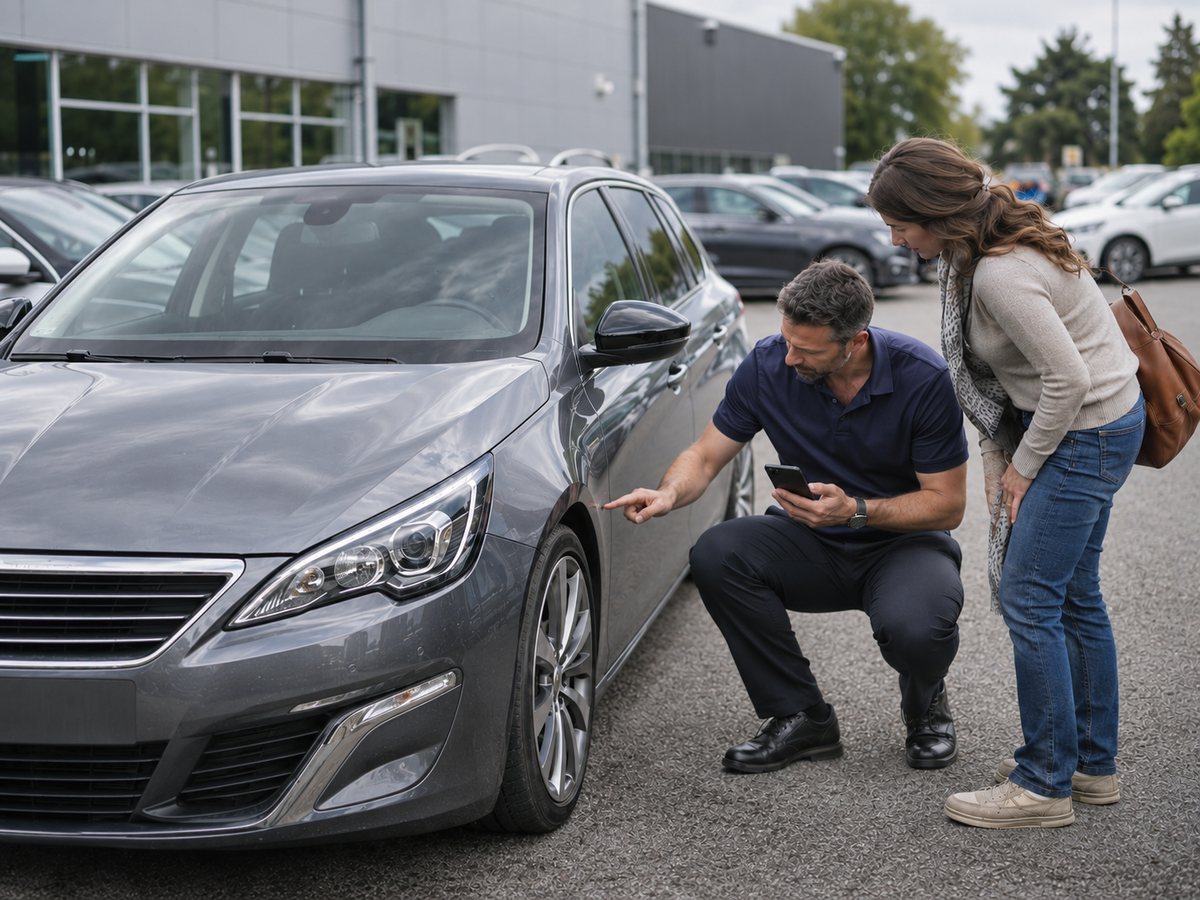
On the used-car lot, an appraiser points out a detail on a car’s front wing to a customer.
P02 · PHOTO TO PRODUCETrade-in inspection on the used-vehicle lot
Reference workflow

Sales & trade-in

New & used vehicle delivery · Trade-in inspection

The vehicle has left. Where are the findings now?

Klaren supports each delivery step and brings together the photos, documents and information recorded in the job file.

New & used delivery: reference workflow shown in the demo. Trade-in: in preparation.

Explore the new & used delivery workflow
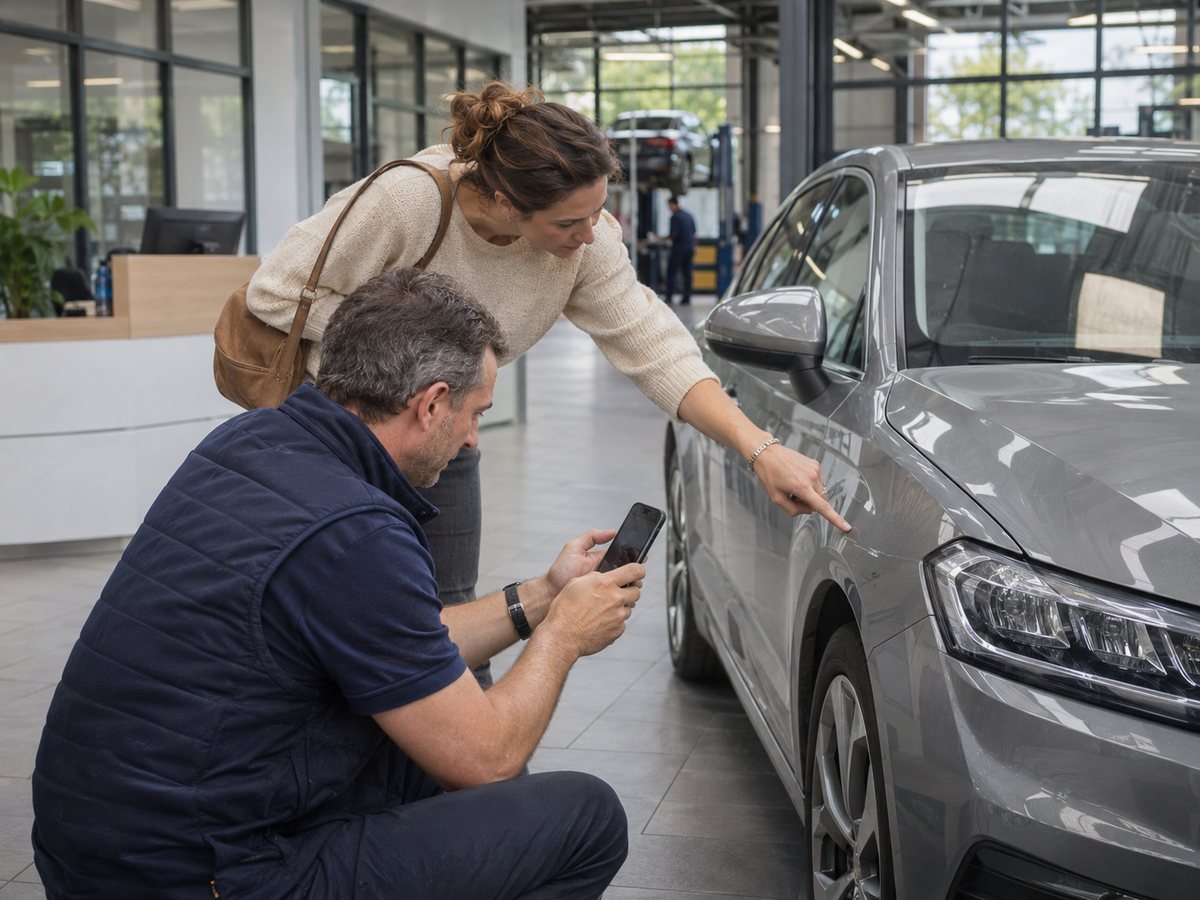
At the workshop reception, a customer points to a mark on the front wing while the service advisor photographs it.
P03 · PHOTO TO PRODUCEService reception with the customer
In preparation

After-sales & courtesy

Service reception · Vehicle return · Courtesy vehicles

The customer is back. What did the check-in finding say?

A workflow designed to document the vehicle’s condition at check-in and retrieve those findings when it is handed back.

Service and courtesy vehicles: workflow in preparation.

Review my service operations
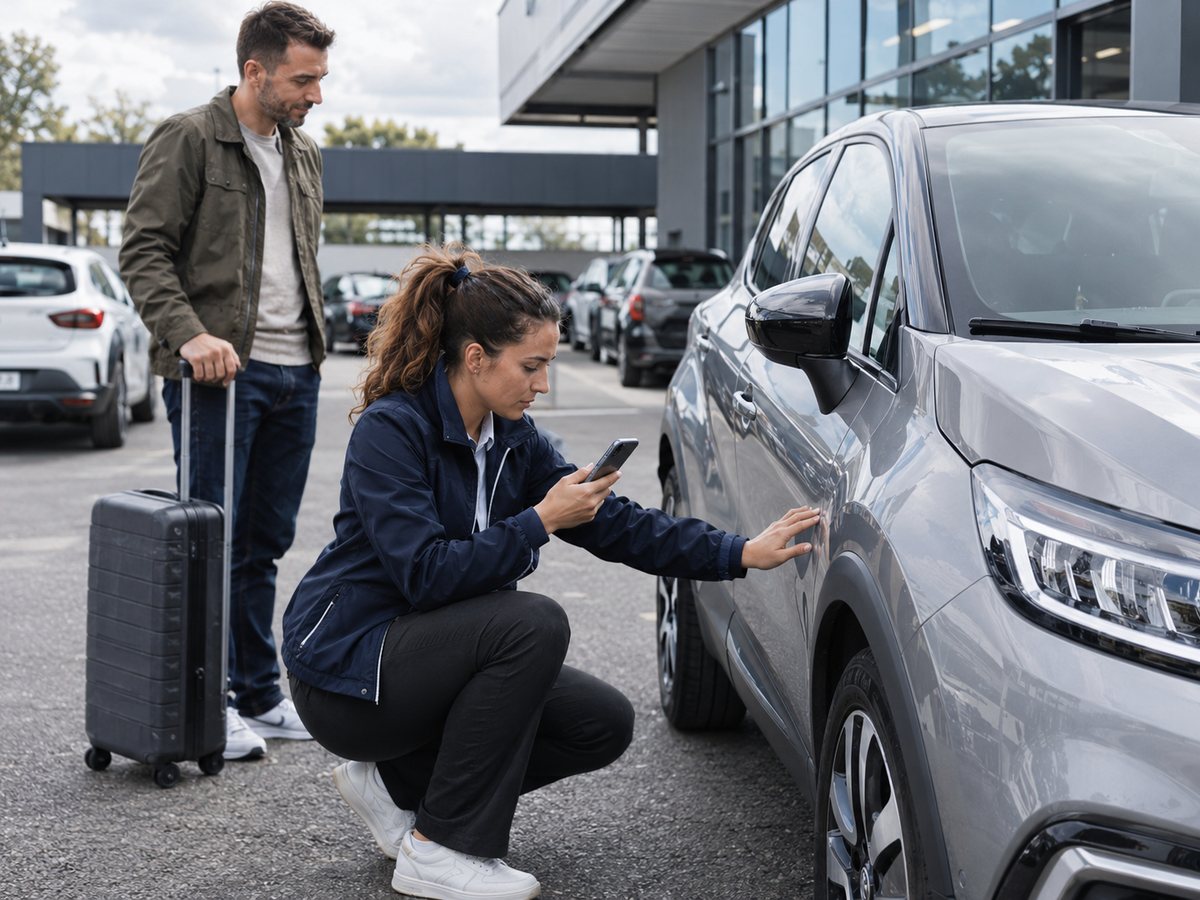
At the end of a rental, an agent photographs the side of an SUV next to the customer and his suitcase.
P04 · PHOTO TO PRODUCERental return, key handover
In preparation

Rental & transfers

Check-out and return · Collection and delivery

On arrival, where is the condition recorded at departure?

Workflows designed to document the key steps and bring departure and arrival findings together in the job file.

Rental and transfers: workflow in preparation.

Review my operations

A different activity? Let’s talk about your automotive operations.

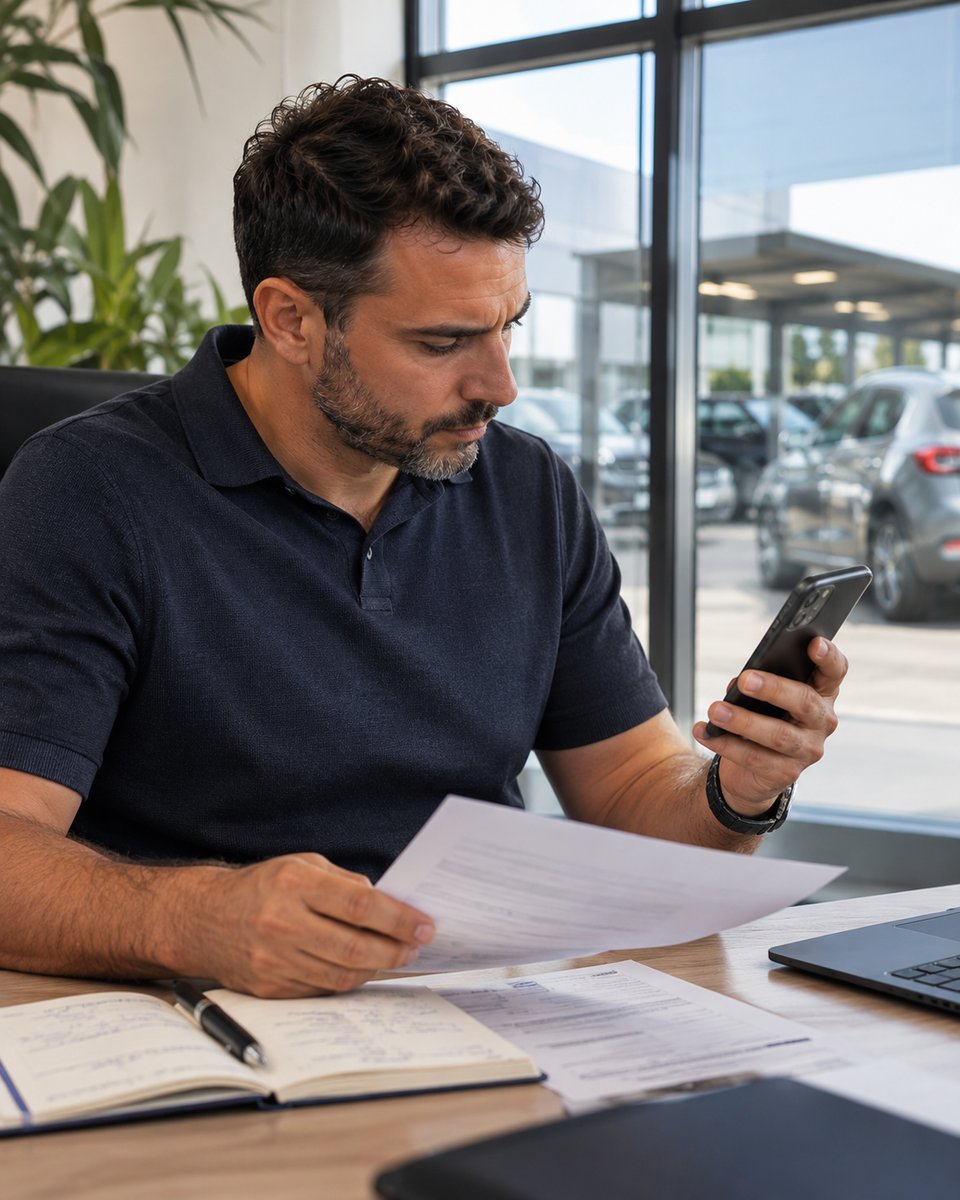
At his desk, a manager checks his phone with a document in hand, next to his notebook.
P05 · PHOTO TO PRODUCEMarc looks for information on the phone, among papers and notes

The situation

An automotive operation shouldn’t turn into an investigation.

During the operation

Where do things really stand?

You shouldn’t have to make call after call to find out which steps have been completed, what has been documented and what is still to be done.

After the operation

Where are the findings?

A question comes up. Photos, documents and observations are sometimes scattered across several team members and tools.

With Klaren, keep track from the field to the file.

In the fieldKlaren Terrain

Your teams follow a guided protocol and record the facts directly during the job.

At the officeKlaren Kommand

View the completed steps, review discrepancies and find the documented information in each job.

The steps are guided. Recorded facts stay linked to the job.

The method

Three steps. An operation easier to follow.

A job prepared at the office, documented in the field and available afterwards in its file.

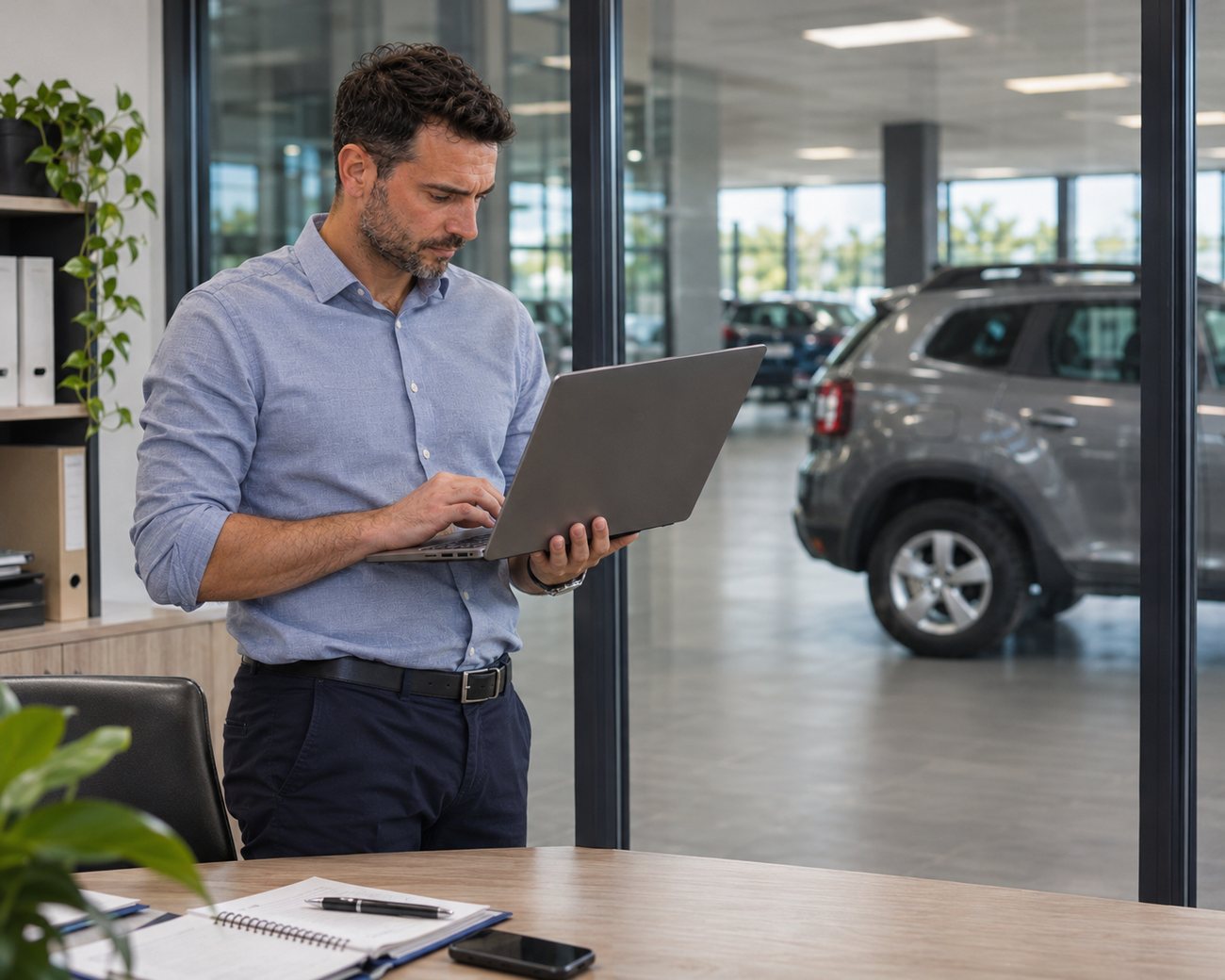
  1. In a glass-walled office overlooking the showroom, a manager prepares a job on his laptop.
    P06 · PHOTO TO PRODUCEMarc prepares the job
    01 Klaren Kommand

    Prepare

    Organise the job: vehicle, protocol and assigned team member.

    Before the work starts, your team knows what is expected.

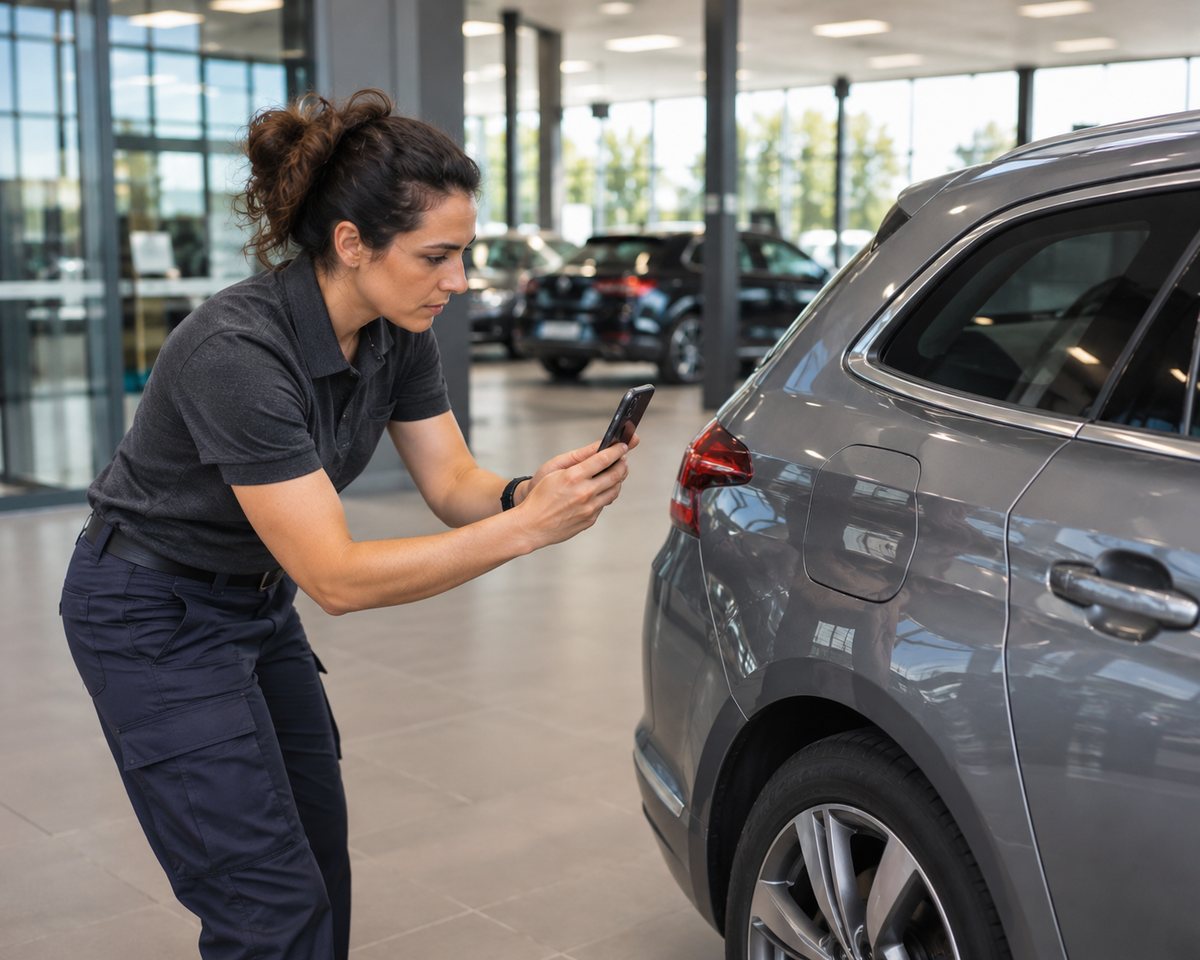
  2. In the showroom, an employee photographs a vehicle’s rear wing with her phone.
    P07 · PHOTO TO PRODUCEInès photographs the rear wing
    02 Klaren Terrain

    Document

    On site, Terrain guides your team through the checks and findings to complete.

    Facts are recorded during the operation, not pieced together afterwards.

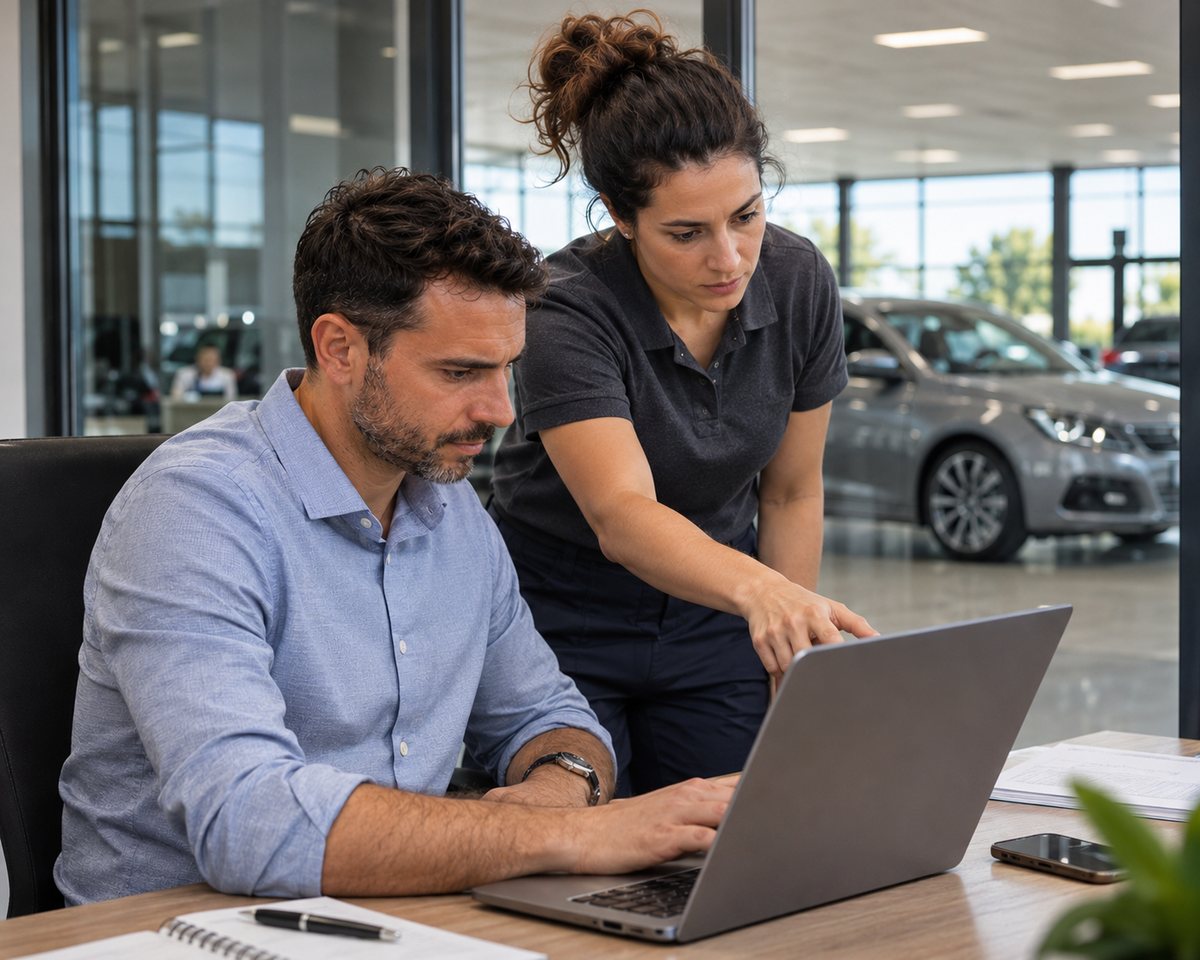
  3. An employee points out an item in the file on her manager’s computer.
    P08 · PHOTO TO PRODUCEMarc reviews the file with a colleague
    03 Klaren Kommand

    Retrieve

    View the completed steps, photos and documents received in the job file.

    When a question comes up, you know where to find what was documented.

Sample file

See what Klaren keeps after an operation.

We will walk you through a complete delivery file, built with fictitious data. You will see:

  • Findings and discrepancies
  • Photographs, linked to their step
  • Events, in order
  • Attached documents
  • The final job file

We will reply by email to present the sample. No newsletter. Privacy

Why Klaren

What was planned. What was found. What you can retrieve.

An automotive operation is more than a list of ticked boxes. See how Klaren separates expected information from the facts actually recorded, and links them to each job.

Terrain

What was planned isn’t always what was found.

Two keys expected, two found. A safety kit listed, but missing at the check.

Terrain lets you record the difference without assuming its cause.

Kommand

A discrepancy found. The elements to review it.

A scratch is reported on the vehicle.

The manager can retrieve the finding, its photo and the related information to review the situation.

Terrain

Every photo keeps its context.

Front, rear, sides: the recorded photos are linked to the views and steps of the protocol.

You know which job each item received belongs to.

Our commitment

The facts, without assumptions.

Klaren distinguishes what was planned, what was found and what was declared.

A discrepancy does not assign blame. A signature keeps its exact scope. A technical seal is not a legal guarantee.

Our commitment: present information for what it is.

Terrain

What is recorded. What is still to be done.

Keys recorded, service book and safety kit still to be recorded: each item keeps its status.

Your team sees what has been entered and what is still expected.

Kommand

Find the facts in their chronology.

Available findings, statements, documents and events: view their history, with the recorded date and source information.

File

One job. One file to retrieve the facts.

The findings, photos, documents and events received are linked to the job.

Once finalisation is confirmed, the final report lets you consult the gathered elements.

Excerpts from Terrain and Kommand prototypes. Fictitious data and identities. The features shown remain subject to availability and to validation of the workflows concerned.

See Klaren in a demo
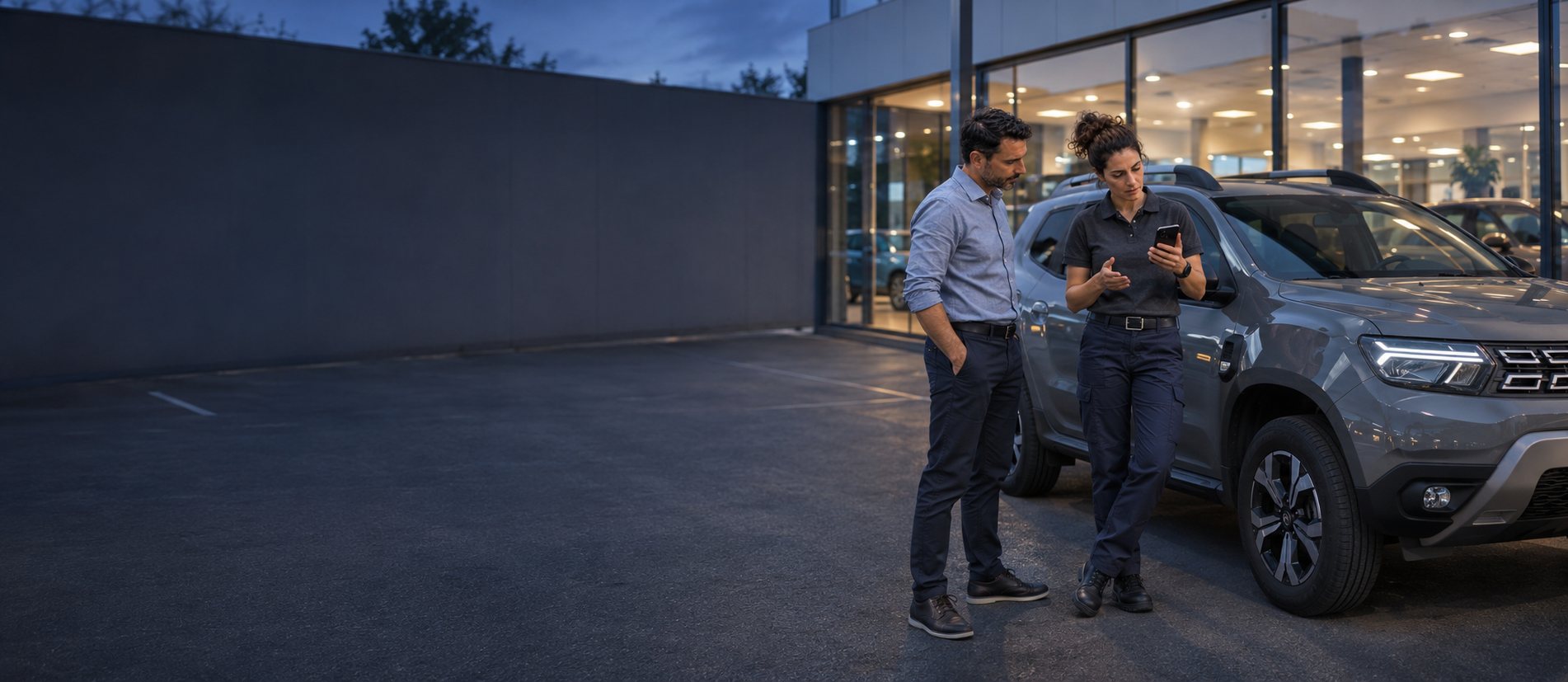
At dusk, outside the dealership, an employee shows her manager something on her phone, next to an SUV.
P12 · PHOTO TO PRODUCEThe dealership at dusk

Your next step

Your teams move forward. You keep track.

Discover how Klaren supports an automotive operation, from its preparation to the findings recorded in the field, through to the information gathered in the file.

What you will see

Demo based on an illustrative scenario. The workflows shown depend on the features available for your activity.